AI for customer support3 min read
WhatsApp automation in the UAE: buyer's guide
Learn how UAE businesses can automate customer questions, booking requests and sales follow-ups, and when they need more than the WhatsApp Business app.
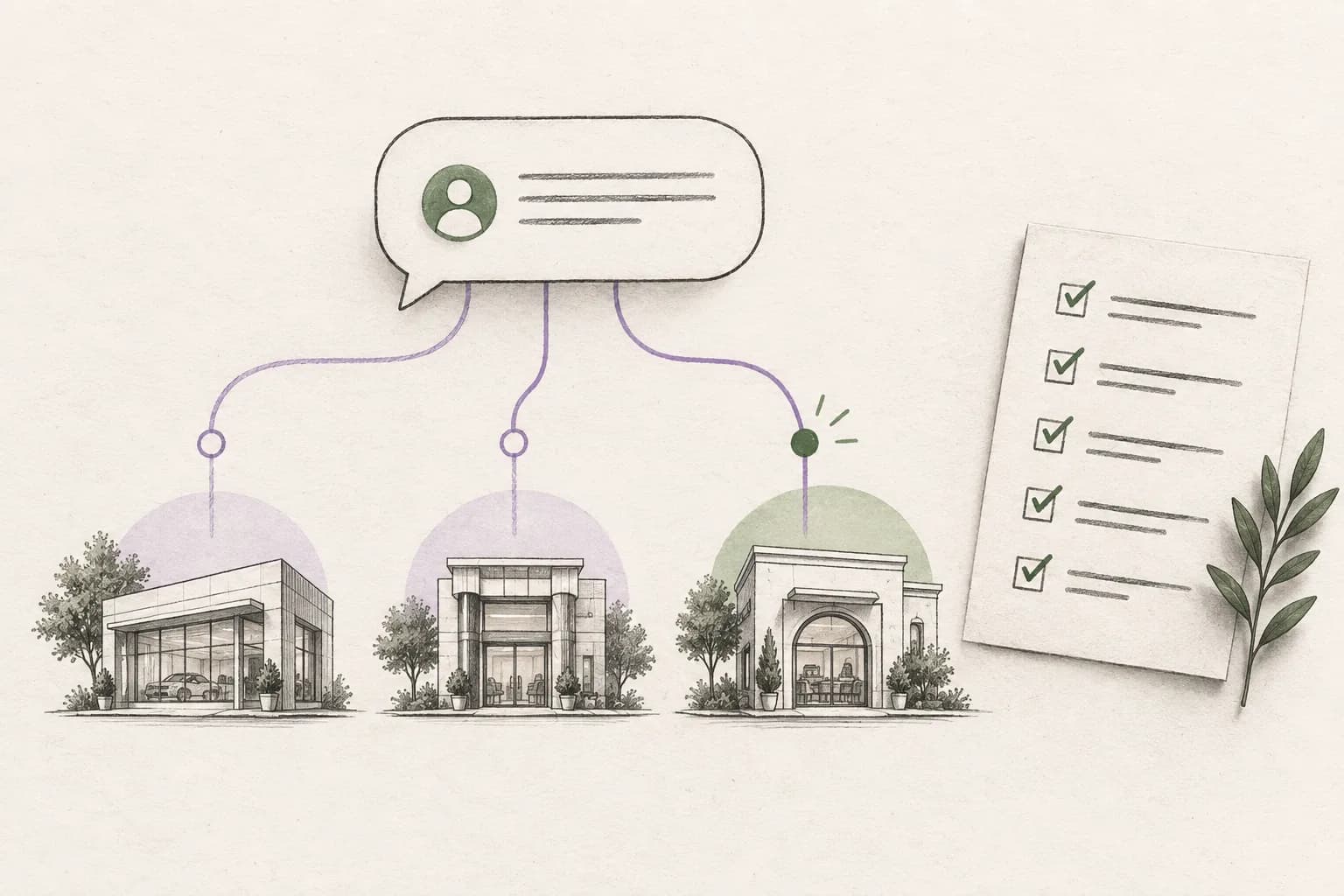
WhatsApp automation handles repeatable customer conversations: answering questions, collecting booking details and reminding your team to follow up on a quote. It helps when messages arrive faster than you can answer or several people share one inbox. UAE businesses should also account for the languages, branches and systems their customers use.
Answer the questions customers ask every day
Service prices, opening hours, product details and booking instructions should be easy to find. An AI reply agent can answer from your business information and ask for clarification when a customer's request is unclear.
Keep that information current. If a price changes, update the source your agent uses. For a question that needs individual attention, your team should have the conversation and customer details together.
Collect the details needed to help
A customer asking for a quote may need to supply the product, quantity and delivery details. A booking request needs a service, branch and preferred time. WhatsApp Flows collect structured answers inside the conversation.
| Conversation | Useful information to collect |
|---|---|
| Appointment request | Service, branch and preferred time |
| Product quote | Item, quantity and delivery requirements |
| Property viewing | Property, preferred time and contact details |
| Recruitment question | Role and the candidate's specific question |
Ask for what the next action requires. A simple price question should not turn into a long registration form.
See how this works for distributors and recruitment teams.
Keep follow-ups with the conversation
“Send me the details on Thursday” is a next step worth keeping. Save the promise and due time with the thread so it is still clear when Thursday arrives.
Use follow-up reminders when someone needs to review the conversation. Use a scheduled reply when the message and timing are already agreed. Review and cancel an outdated follow-up when the customer replies or the request is resolved.
The lead follow-up guide covers ownership and timing. For bookings, the appointment reminder guide explains confirmations, changes and cancellations.
Give the team one place to work
A shared inbox brings conversations together. Customer records keep the details that make the next reply useful.
If your team already uses a CRM, store or booking system, check which connections you need. Answering a product question and changing an order are different jobs; choose software that supports the work you want to complete.
Choose the right setup and budget
The WhatsApp Business app may be enough for one person managing a small volume of messages. The Business Platform supports software for team conversations and automation. Our app versus API guide explains the difference.
Compare the subscription, AI usage, WhatsApp messaging charges and setup costs. The pricing guide explains what to include, and the Otobiz pricing calculator helps you explore plan and usage choices.
Ask who will own the Meta business portfolio, WhatsApp Business Account and phone number. Your business should retain appropriate administrative access and understand who pays Meta's usage charges. Also ask what happens to the number, templates and conversation history if you change software providers.
Test the complete job before a wider rollout
Use representative, anonymised customer messages rather than a polished scripted example. Include an ordinary question, a request with missing details, a fact that is not in the approved business information, and a conversation that needs a person.
| Test | Evidence to look for |
|---|---|
| Routine question | The answer matches the current approved source |
| Missing or conflicting information | The system asks for clarification or holds the reply for review |
| Branch or service choice | The customer is asked to choose instead of the system guessing |
| Human takeover | The person receives the conversation, customer context and next action |
| Booking, quote or order | The result exists in the system your team uses, not only in the chat |
Test Arabic, English, mixed-language messages, spelling variations, product names and branch names that appear in your real inbox. A translated website or a prepared presentation does not prove that the working setup handles those messages accurately.
The AI messaging platform evaluation guide provides a broader comparison checklist for knowledge controls, approvals, security and operations.
See whether automation is helping
Choose one workflow and a fixed pilot period. Record the starting position, then compare similar opening hours and types of customer request. Review response times, unanswered conversations, correct answers in a sample, successful team takeovers and completed customer requests. Conversation analytics shows messaging activity; your booking and sales records show the resulting business outcomes.
Keep delivered messages, replies and completed outcomes separate. More automated replies are not an improvement if the answer is wrong or the next step never happens. Include subscription, messaging and implementation costs when comparing the pilot with the previous process.
Otobiz brings WhatsApp, AI replies, customer records and follow-ups together. Explore WhatsApp with Otobiz to see the conversations your business can handle.
Published by Otobiz on . Last updated .