WhatsApp platform6 min read
WhatsApp 24-hour window: replies and templates
The service window runs 24 hours from the customer's latest message or call. What resets it, what closes it, and what you can send afterwards.
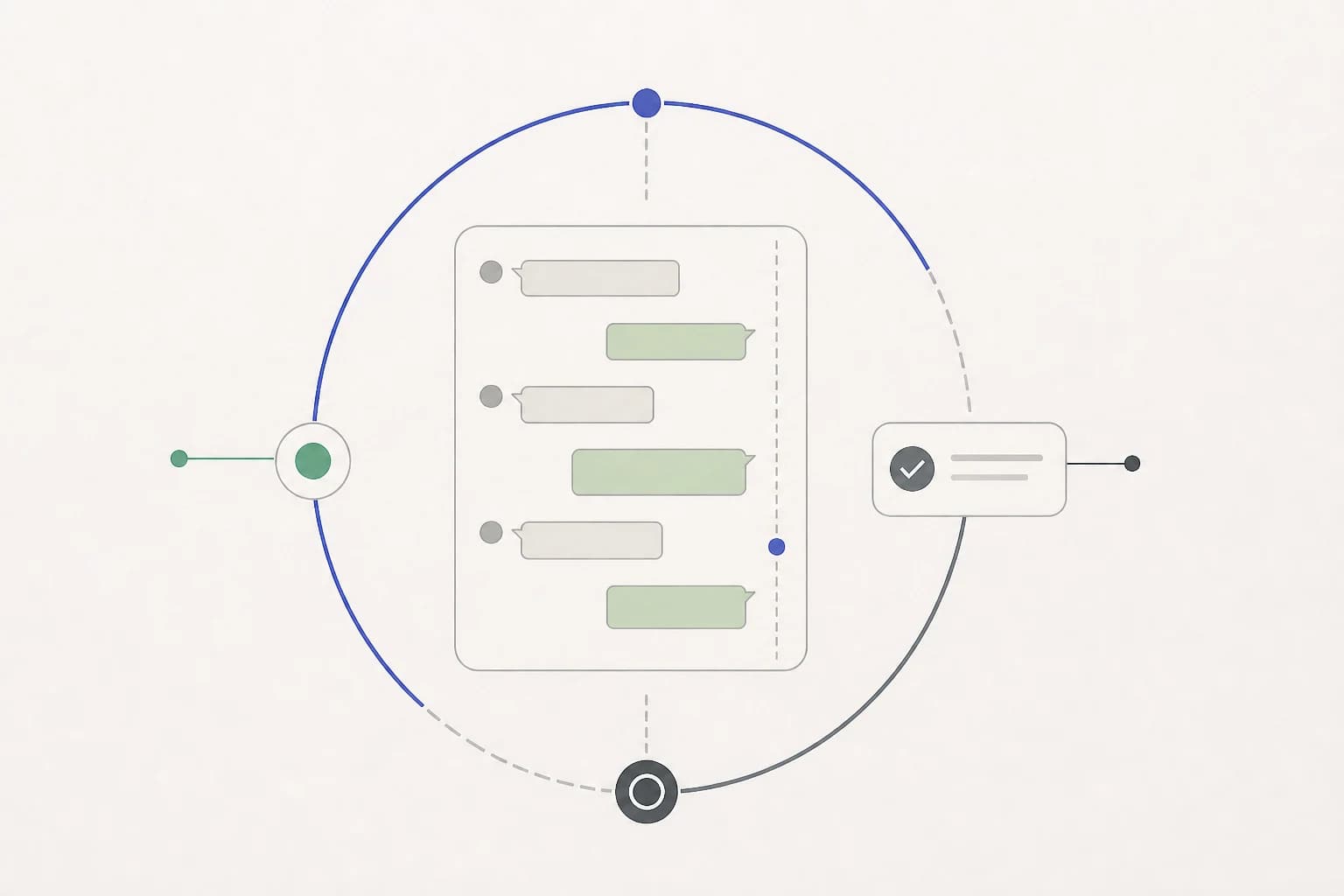
The WhatsApp customer service window determines when a business can send a free-form reply through the API. Its deadline depends on the customer's activity, not when an agent opens or answers the conversation. Inside it, free-form service replies are allowed; after it closes, an approved template is normally required.
It runs for 24 hours from the customer's most recent message or call to you. That is the definition in Meta's current service-message documentation, and every consequence below follows from it.
What the clock is actually attached to
The window belongs to a pair: one customer, one business phone number. Each time that customer sends you a message or calls you, the clock resets to a fresh 24 hours. Nothing the business sends resets it.
This is where most of the confusion lives, so it is worth stating the failure cases directly.
- Your reply does not reset the window. If a customer wrote at 9am and you answer at 5pm, the window still closes at 9am the next day, not 5pm.
- Sending a template does not open a window. A template reaches someone whose window is closed, which is the point of templates. It does not entitle you to a free-form conversation afterwards. If they reply to it, their reply opens a window, and then you can write freely.
- The window is per number. A customer who has a window open with your support number does not have one open with your sales number.
- It is 24 hours, not one business day. A message that arrives at 4pm on Friday is unanswerable free-form by Monday morning.
What you can send inside the window
You can compose service messages such as text, images, documents, and supported interactive messages without Meta reviewing a template first. Content rules, permissions, and your own business approval requirements still apply. Permission to send and the charge for sending are separate. Meta’s service pricing changes on 1 October 2026; see the dated rules in our pricing guide. Your software provider’s charges are separate again.
The open window does not make every message free: every template sent inside it is billable, and service replies are free only for the first 1,000 each month on each business phone number. Check the message category separately from whether the window is open.
What you can send once it closes
On WhatsApp, only an approved message template. Templates are formats you submit to Meta in advance, with variables you fill in at send time. They exist precisely so that a business can reach someone outside the window without the channel filling with unsolicited free text.
If you try to send free-form text anyway, the send fails. WhatsApp returns error 131047, meaning more than 24 hours have passed since the recipient last replied. It is not a transient failure and retrying does not help. A platform that shows you "message failed" without telling you the window closed is hiding the one fact that would have told you what to do next. Meta keeps the current meanings and recommended responses in its Cloud API error reference.
Instagram and Messenger have their own messaging permissions and exceptions. A WhatsApp template approval does not authorize a send on either channel.
- The human agent tag allows a person to respond for up to seven days when an issue cannot be resolved inside the standard window. It is for human support, requires App Review, and is not an automation escape hatch.
- Message tags allow specific, personally relevant updates outside the standard window. Their permitted uses are narrow and misuse can restrict sending. Meta's Messenger and Instagram policy is the current reference for both.
Check the current policy and the specific permission your integration holds before planning follow-ups on another channel.
Why the rule exists
It is easy to read the window as an obstacle. It is more useful to read it as the thing that makes the channel worth being on.
The window, template review, and quality rating help limit unexpected business messages. They do not guarantee a read or a reply. Design follow-ups around the customer's request and permission.
What this means for how you answer
The window turns response time from a service metric into a hard constraint, and there are only a few honest responses to that.
Know where the clock is on every open thread. The inbox should show it. Not as a color, as a number: this thread has four hours left, that one closed yesterday. A team that cannot see the clock discovers it at send time.
Give a useful update without assuming it extends the deadline. "We are checking availability and will confirm today" can set expectations. Your reply does not reset the window. Keep the original deadline visible and prepare the appropriate template if the follow-up will come later.
Automate questions your material can answer reliably. Opening hours, appointment preparation, course details, and delivery policies can be useful starting points. Check actual conversation patterns, keep sources current, and hand off when the answer needs an unavailable record or a decision.
Decide in advance what happens after hours. Someone messaging at 11pm can receive a grounded automated reply, be asked for the missing detail, or get a clear next step when the required record is unavailable. Each is better than a thread that goes quiet and reopens as a template two days later.
A deadline example
A customer asks about a property viewing at 10am on Monday. The team replies at 3pm. Without another customer message or call, the window closes at 10am on Tuesday.
| Event | Effect on the window |
|---|---|
| The team sends a reply on Monday afternoon | No extension |
| The customer asks another question at 6pm Monday | New deadline: 6pm Tuesday |
| The team sends an approved reminder after the window closes | The reminder alone does not reopen it |
| The customer replies to that reminder | A fresh 24-hour window opens |
The same timing applies to a course request, an appointment, or an order question. For scheduled bookings, also check that the reminder still matches the current appointment before it sends.
Reading the window off delivery receipts
Meta reports every outbound message's fate through delivery statuses: sent, delivered, read, or failed with a code. Failures are where the window becomes visible.
Three codes are worth recognizing on sight, because they mean completely different things and get lumped together by weaker tooling:
| Code | What happened | What to do |
|---|---|---|
| 131047 | The window closed. Free-form text cannot be delivered. | Use an eligible approved template with permission, or wait for the customer. |
| 131049 | A per-user limit held this message back for now. | Wait at least 24 hours before reconsidering the send. |
| 131050 | The person stopped marketing messages from your business. | Suppress marketing to them and do not retry. |
Only the middle one may be worth trying later, and even then Meta says the limit can last longer than 24 hours. Retrying the first burns nothing but time; retrying the third ignores an explicit marketing preference. Software that treats all three as "failed, retry" is making your account worse on your behalf.
The parts people get wrong most often
"We can extend the window by messaging them first." No. Only their message or call moves the clock.
"Templates are for marketing." Templates are for anything sent outside the window, including an order update. Their category decides what they may contain and what they cost, not whether you are allowed to use one.
"We will just use a chatbot to keep the thread alive." Automated messages you send do not reset the window either. Only inbound does.
"The customer replied to our template, so we are fine now." Their reply opens a fresh 24 hours for service messages. It does not remove content rules, override an opt-out, or make marketing templates free.
The short version
The window opens when the customer writes or calls and closes 24 hours after their latest message or call. Inside it you may send service messages. Outside it, WhatsApp allows an approved template and the other Meta channels allow much narrower exceptions. Nothing the business sends changes the clock.
Give the team a visible deadline, a clear handover, and an approved follow-up path when a customer request cannot be resolved in time.
Published by Otobiz on . Last updated .