WhatsApp platform7 min read
WhatsApp Business app or the API: how to decide
Compare the Business app, its paid broadcast options, and the API. Decide from team ownership, integrations, message costs, and migration requirements.
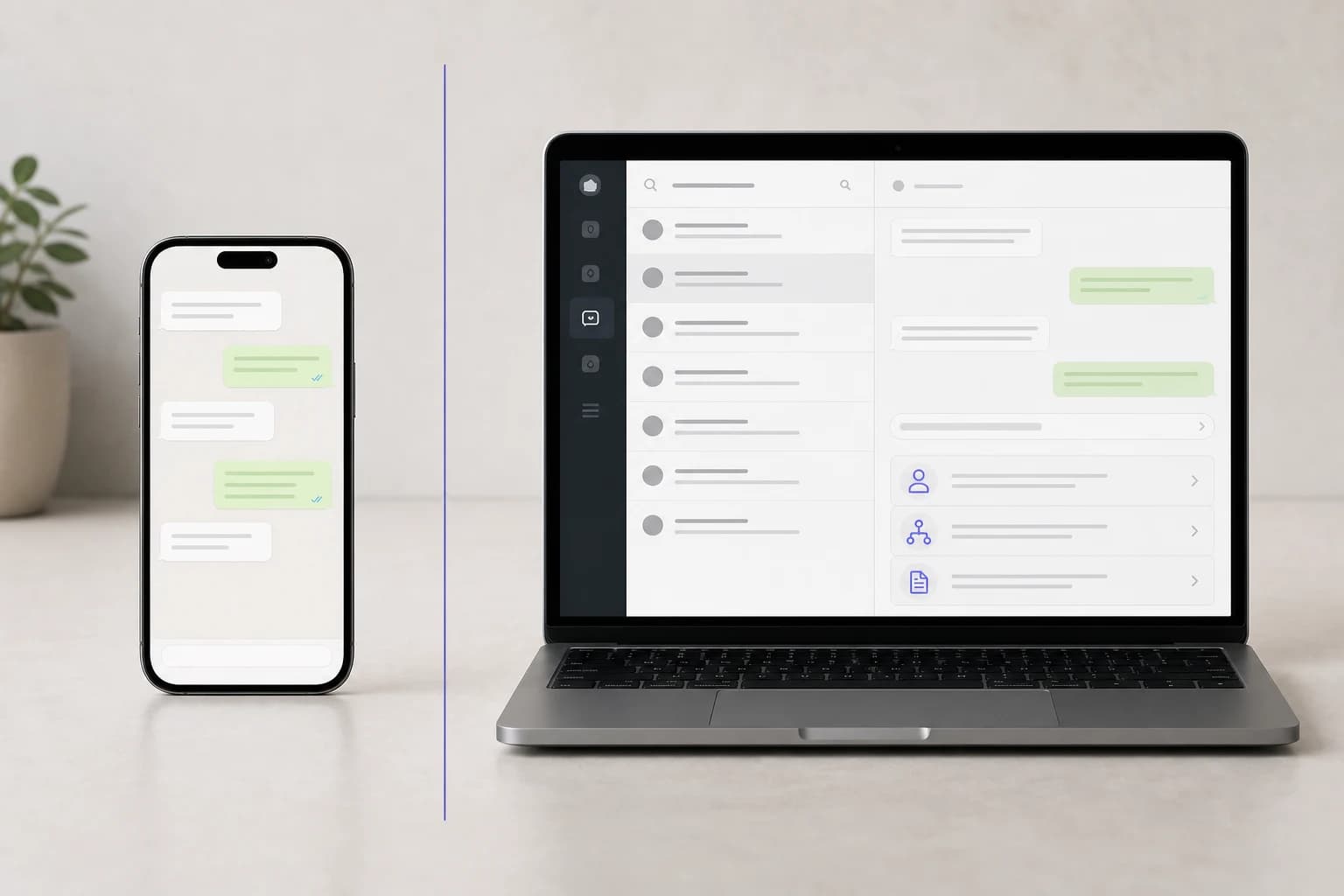
There are three WhatsApp products and the names do very little to tell them apart. Personal WhatsApp is the one everybody has. The WhatsApp Business app is a free, phone-first product for a small business. The WhatsApp Business Platform, still widely called the API, is the interface that business software connects to.
Choosing between the last two is a real decision with real costs on both sides, and the usual advice ("upgrade when you scale") is not specific enough to act on.
What the Business app actually gives you
The core app is free to download. It suits a business where one person or a small team can comfortably answer from a phone and linked devices. Optional paid features and their availability vary by account and market.
- A business profile with hours, address, website, and a catalog
- Labels for organizing chats
- Quick replies for the answers you type constantly
- Greeting and away messages
- Broadcast lists and status posts
- Linked devices, so the same account works on a laptop as well as the phone
Check the specific workflow you need before moving. Linked devices may be enough for a small team. A larger team may need assignment, permissions, routing, integrations, and reporting supplied by Platform software. Do not assume either product includes those controls merely because several people can access the number.
Broadcast lists and paid business broadcasts differ
WhatsApp documents both legacy broadcast lists and newer business broadcasts. Check which feature your account offers.
A broadcast list in the Business app only delivers to recipients who have your number saved in their own contacts. Someone who messaged you last week but never saved you will not receive it. List size is also constrained in the app. WhatsApp's Business app broadcast guide is the current reference for these rules.
Newer business broadcasts are a paid feature available in eligible markets and accounts. WhatsApp also documents delivery, read, and reply insights for these broadcasts. Do not apply the legacy list restrictions or the claim that the app has no reporting to every broadcast feature. Compare the option visible in your account with the Platform workflow you need.
What the Platform gives you
The API connects software to WhatsApp. A team inbox, assignment rules, integrations, and reporting depend on the software you choose or build; they are not automatically included with API access. A Platform solution can provide:
- Several people answering the same number at once, with ownership and assignment, in a shared inbox
- Approved message templates, so you can reach people outside the 24-hour window
- Template-based broadcasts to eligible, opted-in recipients without the legacy saved-contact requirement; approval and consent do not guarantee delivery
- Integrations with your other systems, so a reply can use a current appointment, request, invoice, or order record
- Automation that goes beyond an away message
- Reporting, delivery status per message, and an audit trail
- Portfolio-level messaging capacity that can grow when Meta's scaling criteria are met
And what it costs you:
- Meta charges for billable deliveries under the current pricing rules, including announced service-message changes
- A software subscription on top
- Template review before you can send anything outside the window
- Meta eligibility and quality checks before higher messaging limits
- A setup that takes longer than a minute
The three questions that actually decide it
Most of the comparison tables miss the point. The decision usually turns on three things.
How many people need to answer at the same time? Linked devices give a small team access to the Business app, but they do not turn it into a queue with assignment, ownership, and workload controls. If duplicate replies and unclear ownership have become routine, move.
Do you need to start conversations at scale? Answering people who message you is fine on the app. Reaching a few thousand customers with an order update, a restock, or an appointment reminder is what the Platform is for. If your outbound is a handful of manual messages a week, the app is enough.
Does the conversation need to know things? If answering means repeatedly opening a booking calendar, a lead record, or an invoice system, estimate the time saved and errors avoided by connecting it. Confirm which records the integration can read or update and what still needs a person.
If all three answers point at the app, stay on the app. Moving because a vendor says you should is how a business ends up paying a subscription to do what a free app already did.
What changes when you move
A full migration and coexistence are different paths. In a full Cloud API migration, the number is operated through platform software rather than the Business app. Meta also offers a separate coexistence path for eligible Business app accounts, covered below.
History depends on the path. A full migration should not assume the new inbox will contain old chats. Under coexistence, the business may authorize contact sync and up to six months of one-to-one message history.
Cloud API messages follow Platform rules. The 24-hour window, template approval, quality rating, and messaging limits become explicit. Under coexistence, messages sent from the Business app remain outside the Cloud API window and pricing rules.
Somebody owns the account. A WhatsApp Business Account holds the number and the templates. Whether it sits inside your own Meta business or inside a vendor's decides what you keep if you leave.
Coexistence, and why it changes the calculation
Meta supports running one number on the Business app and Cloud API at the same time, a setup often called coexistence. New one-to-one messages are mirrored between both sides, and the business can choose to synchronize contacts and recent history. Meta documents the exact requirements, limits, and feature changes in its Business app onboarding guide.
It suits the common middle case: a shop where the owner answers from their phone and a small team also needs to see the queue. Availability and behavior are set by Meta and it is not offered to every account, so treat it as something to ask about rather than assume.
Who should hold the account
Ask any prospective vendor one question: will the WhatsApp Business Account be in our own Meta business, and can we see it?
Embedded Signup is Meta's flow for connecting an account you own to a platform. The customer signs in to their own Meta account, selects or creates the business, and selects or verifies the number. Meta states that customers onboarded this way own their WhatsApp assets and retain full WhatsApp Manager access.
The alternative is a provider who holds the account and resells you access. That arrangement can be legitimate, but it makes your exit depend on the provider's migration process. Consent history is separate again: wherever the account lives, confirm that the platform can export the permission record for every contact.
Neither answer disqualifies a vendor. An evasive answer does.
What to sort out before you migrate
If you have decided to move, most of the pain is avoidable and almost all of it is preparation rather than technical work.
Decide which number and which onboarding path. Using the number customers already know preserves recognition. A fresh number keeps the existing setup untouched while you prepare. Coexistence may provide a third route when the current Business app account is eligible.
Check the current scaling path now. Meta's messaging-limit guide lists business verification, partner verification, and a high-quality sending path as ways to reach the next limit. Do not wait until the week of a campaign to learn which one applies.
Prepare the templates your workflow actually needs. A viewing reminder, enrollment update, or delivery notification has a different purpose from a promotion. Submit the relevant formats early and confirm their approved categories before scheduling sends.
Export what you want to keep. Labels, saved quick replies, and the numbers of people who have been messaging you. The app can export chats; do that before the number moves rather than after.
Agree what happens to your catalog. If you sell through the app's catalog, check how the platform you are moving to handles product lists, because a catalog set up in one place does not automatically appear in the other.
Tell the people who answer. The largest cost of migration is usually a week of a team learning a new inbox while customers keep messaging. Move at a quiet time, not before a sale.
Compare a real working day
| Business need | Check before choosing |
|---|---|
| A salon owner answers appointment questions | Whether the app and linked devices cover the daily workload |
| An education team handles course requests | Assignment, handover, and access to the correct course information |
| A property team follows up on viewings | Lead ownership, consent, reminders, and current availability |
| A distributor answers quote and invoice questions | Record access, staff permissions, and approval before commitments |
These are decision examples, not promises that every provider includes the integrations. Ask to see your actual workflow.
A short decision guide
Stay on the Business app if a small team can work comfortably from the phone and linked devices, your outbound is occasional and manual, and your answers do not depend on data in another system.
Move to the Platform if the team needs assignment and ownership in one queue, if you need consented outbound messaging beyond Business app broadcasts, or if answering well requires looking something up in another system.
Consider coexistence if the honest answer is "both": the owner wants their phone, and the team needs the queue.
And whichever way you go, the thing to get right first is not the software. It is who owns the number.
Published by Otobiz on . Last updated .