WhatsApp platform6 min read
Template categories, and why templates get rejected
Marketing, utility, authentication: WhatsApp validates the category, and it shapes both content and cost. What fails review, and why.
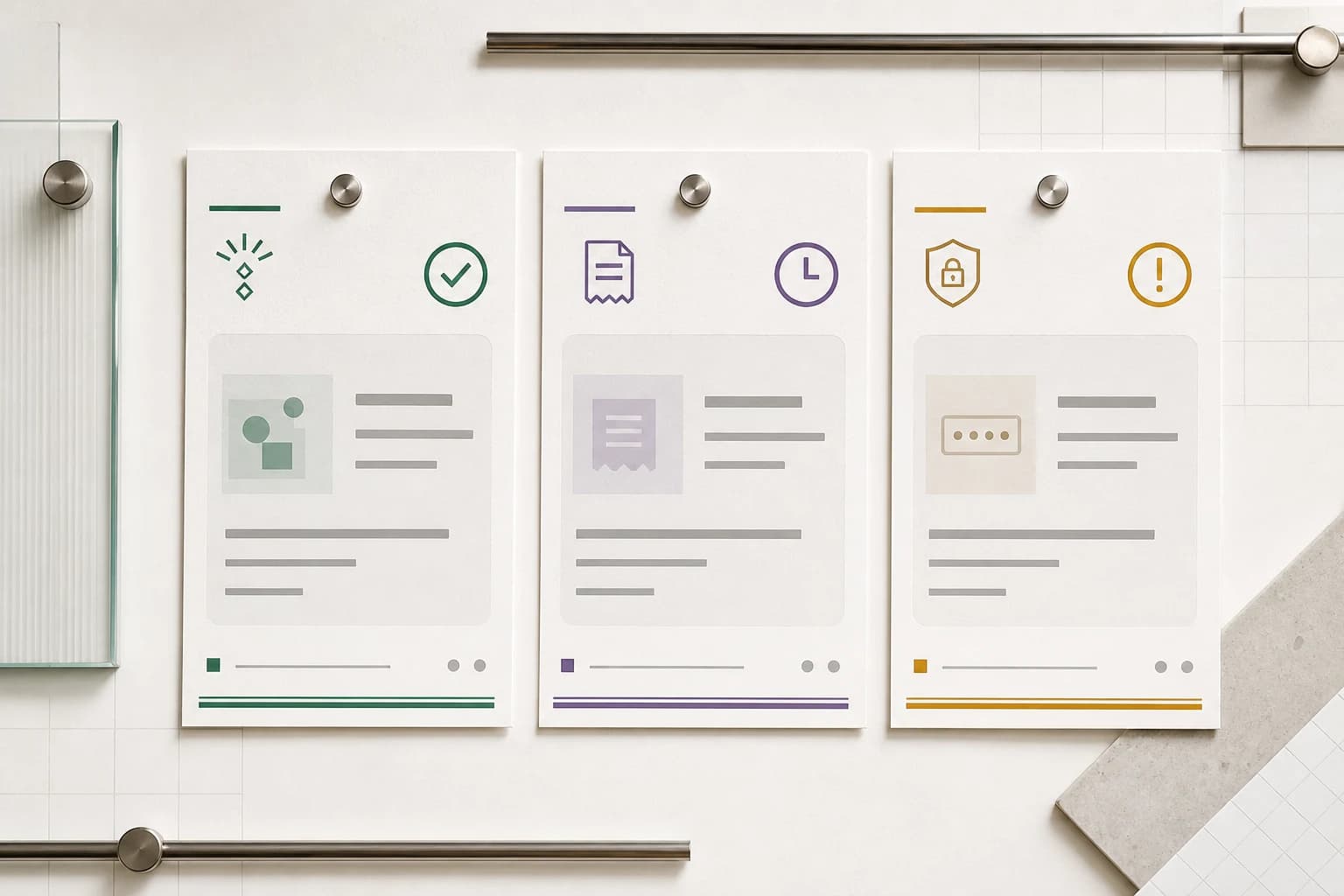
A message template is the only way to reach someone on WhatsApp once their conversation window has closed. You write the format in advance, Meta reviews it, and afterwards you send it with the variables filled in. Its approved category governs both the permitted content and the message charge.
Two things about that process cause most of the pain. The first is that you propose a category and WhatsApp validates it against the content. The result governs both what the template may contain and what each send costs. The second is that many rejection reasons are specific enough to fix once you know what the reviewer is checking. Meta maintains current category guidance and a separate template review guide.
The three categories
| Category | What belongs in it | What it may not do |
|---|---|---|
| Utility | Messages about a transaction the customer already has: order confirmed, shipped, delayed, payment due, appointment moved, ticket updated | Sell anything, cross-sell, or mention an unrelated offer |
| Marketing | Promotions, offers, product announcements, re-engagement, newsletters, anything intended to generate a purchase | Pretend to be transactional |
| Authentication | One-time passcodes and identity verification | Carry promotional or unrelated content; its format is tightly constrained |
Utility describes an eligible transactional purpose, not a setting chosen to obtain a lower price. Mixed promotional and transactional content is categorized as marketing. Check the pricing rules: a utility template is billable even when it is sent inside the customer service window.
Category is decided at review, and can be revised
You submit a template with a proposed category. WhatsApp may approve it in that category, approve a proposed utility template as marketing, or reject it for an incorrect category. WhatsApp also reviews approved templates over time and can update a category later. Watch the status and category webhooks rather than treating approval as permanent.
The way to catch cost drift is to compare the template's current category with billing information in the delivered-message status webhook. A platform that surfaces both turns a category question into a number you can inspect.
Promotional content can change the classification. An appointment confirmation that adds "book another treatment for 10% off" mixes an update with an offer. Keep the requested update focused on its purpose and submit any promotion separately under the appropriate category and permission. Separate messages still require review and may increase total cost.
Examples across different customer journeys
| Message purpose | Category to assess | What changes the assessment |
|---|---|---|
| Confirm a viewing the customer requested | Utility | Adding an unrelated property promotion introduces marketing |
| Notify a learner about a changed time for their registered class | Utility | Inviting them to purchase another course introduces marketing |
| Send a code for a requested sign-in | Authentication | Use the required authentication format |
| Invite previous customers to a seasonal offer | Marketing | An earlier transaction is not permission for every future promotion |
These examples illustrate purpose; Meta reviews the actual wording and can change a template’s classification.
Authentication is a special case
WhatsApp constrains authentication templates tightly. They must use the authentication templates in the Template Library, include a one-time password button such as copy-code or one-tap, and follow restrictions on URLs, media, emoji, and parameters.
If you are sending a passcode, use the authentication category and accept the constraints. If you are sending anything else, do not label it authentication because the rate looks attractive.
Why templates get rejected
Rejections are frustrating mainly because the stated reason is often terse. Most fall into a small number of causes.
Missing or unhelpful example values
Every variable in a template needs a sample value supplied at submission time. The reviewer uses those samples to understand what the message will actually say when it is sent. Missing samples prevent a complete review.
Supply realistic, fictional examples rather than real customer information. {{1}} with the example Priya and {{2}} with A-4471 tells the reviewer this is an order update for a named customer. The same template with examples text and text tells them nothing.
Try the message builder to see how sample values read in a complete message. It personalizes examples from the template library for you to preview and copy; it does not submit templates to Meta or approve them.
A variable doing too much work
A body that is mostly placeholder is the classic pattern of a template built to send arbitrary content, which is exactly what the review process exists to prevent. A message that reads Hi {{1}}, {{2}} gives the reviewer little fixed context and risks rejection even if the intended message is legitimate.
Related: a template cannot start or end with a variable, and the number of variables has to be reasonable for the message length. Write real sentences and let variables fill in the facts.
Promotional content submitted as utility
Check for a promotional purpose even when most of the message concerns an existing transaction. A discount code, an upsell, an invitation to browse, or a line about a sale makes the template marketing. So does re-engagement copy of the "we miss you" variety, even without an offer.
Content that reads as spam
WhatsApp rejects spam, scam-like content, policy violations, and content outside the component's character or format limits. Write for the recipient, then use the rejection reason in Business Support Home rather than guessing why a review failed.
Restricted or misleading subject matter
WhatsApp's Business Messaging Policy restricts several kinds of goods, services, and claims. If your product sits near one of those lines, read the policy before writing the template rather than after the third rejection.
Duplicates and near-duplicates
Submitting a template with the same body and footer as an existing one can be rejected as a duplicate. A small, well-named set of templates is easier to manage and much easier to diagnose later.
Approved is not permanent
A template that passed review can be paused afterwards. WhatsApp's template status combines customer feedback and engagement signals such as low read rates. A template with recurring negative signals can be paused or disabled and stops being sendable.
This is worth internalizing, because it changes what a template is. It is not a form you fill in once. It is an asset with a reputation, and the reputation is set by who you send it to as much as by what it says. Permission and relevance matter after approval. An approved template does not authorize a purchased list, and even an opted-in audience can react poorly to excessive or irrelevant messages.
At send time, failures in the 132000 range identify specific template problems such as missing parameters, a wrong locale, invalid formatting, excessive length, or a paused template. Read the exact code in Meta's error reference, fix that condition, and only then decide whether another send is appropriate.
A pre-submission checklist
- Name yourself. A recipient should be able to tell who is messaging from the first line. Reviewers check this and so do customers.
- Say the specific thing. "Your order A-4471 shipped this morning and should arrive Thursday" reads as a real notification. "Your order has an update" reads as a hook.
- Classify the complete message. Mixed promotional and transactional content belongs in marketing. Separate the messages only when each has a useful purpose and appropriate permission.
- Fill in every example. With realistic values, in the format the variable will actually carry.
- Give the buttons an honest destination. A full URL to your own domain, not a shortener, and a label that matches what the page is.
- Write the language you selected. A template submitted as English with a body in another language is rejected, and mixed-language bodies confuse both the reviewer and the recipient.
After approval, track quality per template
Once several templates are live, the useful question stops being "was it approved" and becomes "which of these is losing quality". A per-template view of feedback and engagement tells you which message to rewrite or retire.
Investigate the audience, permission, timing, frequency, and wording together. A falling quality signal does not, by itself, identify which of those caused the problem. Compare the affected template and segment with recent changes before sending again.
Published by Otobiz on . Last updated .