Deliverability and consent6 min read
WhatsApp quality rating and messaging limits
Two things that get confused constantly. One measures recipient response; the other caps portfolio-level outbound reach. How they meet.
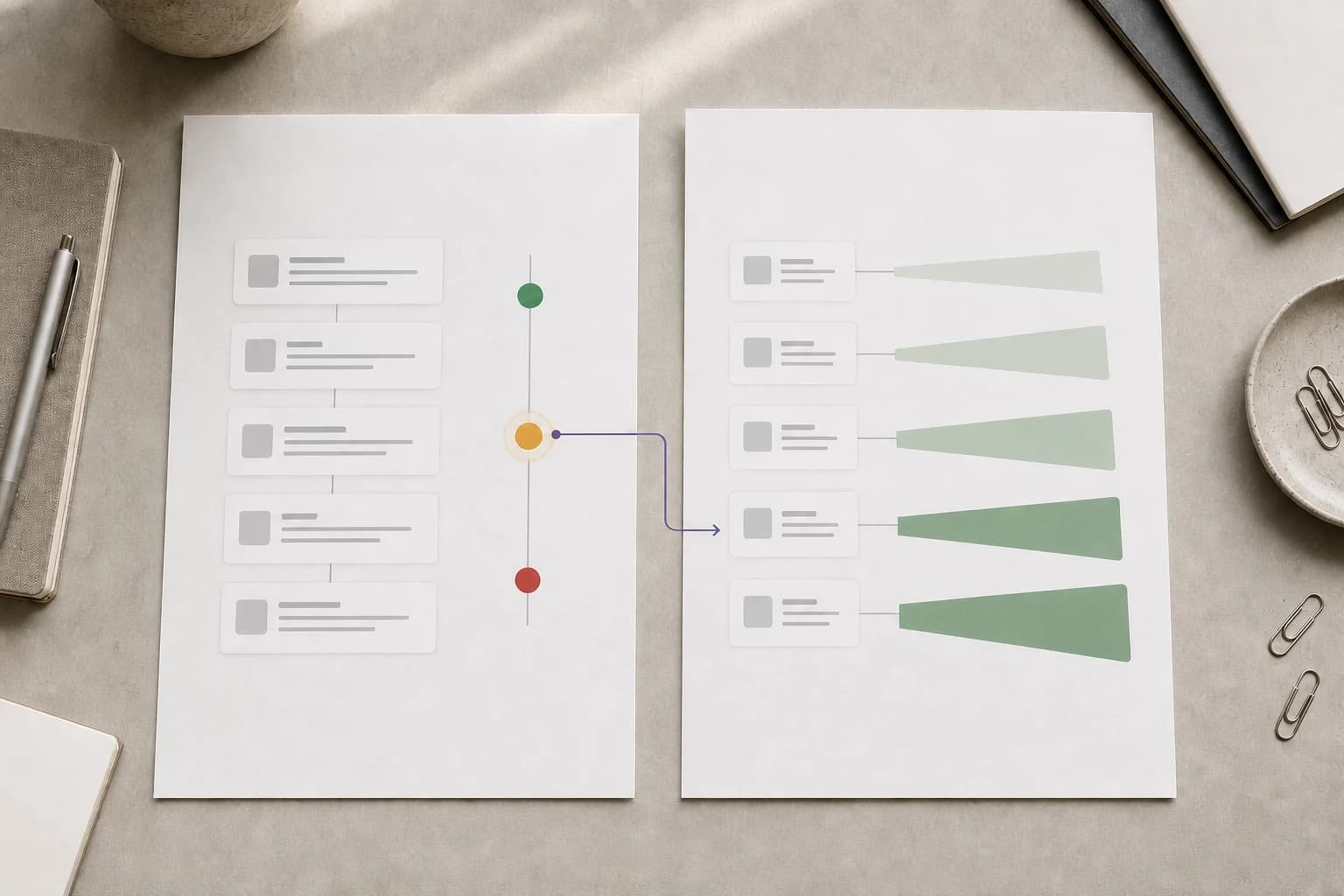
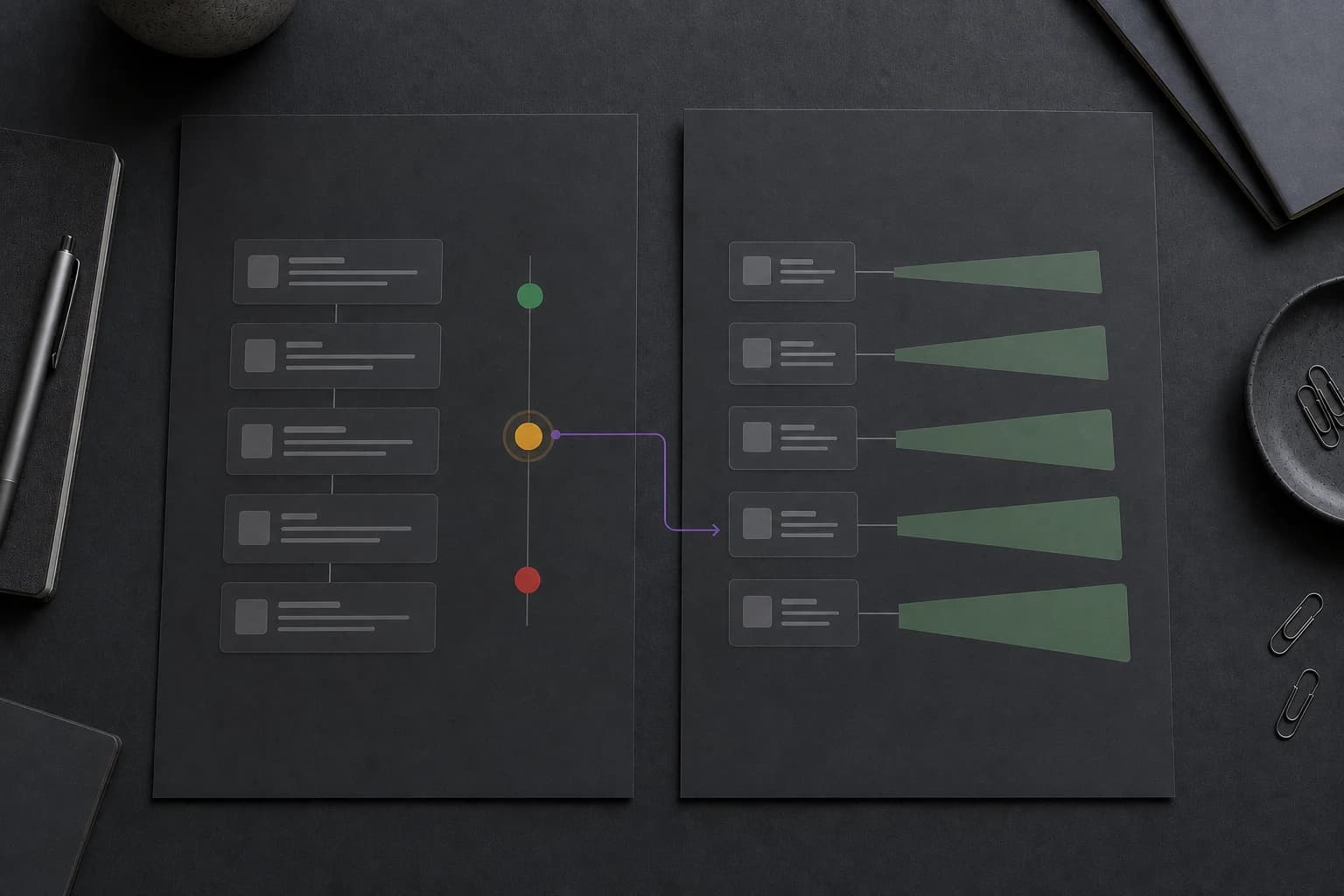
Quality rating and messaging limits answer different questions: how recipients react to your messages, and how many people your business can reach outside an open service window. Check both before deciding why a campaign cannot proceed. They interact, but one does not automatically reveal the other.
Quality rating is Meta's read on how the people you message react to you.
Messaging limits cap how many unique customers your business portfolio can deliver messages to outside customer service windows in a moving 24 hours.
Quality feeds limits. Limits do not feed quality.
Quality rating: what it measures
The rating sits on a phone number and, separately, on individual templates. Meta's service-message documentation says number quality reflects recent user feedback such as blocks, reports, mutes, archives, and the reasons people give when they block. Template quality also uses customer feedback and engagement, including read rates.
A falling rating is a reason to inspect audience permission, relevance, frequency, and content. It does not reveal every recipient’s reason or replace Meta’s separate policy enforcement. A rewritten message cannot make an unconsented audience eligible.
The rating is visible per number in Meta's own WhatsApp management surface. A platform can show it to you, but nobody can change it for you.
What happens as it falls
The sequence is graded rather than sudden. Sustained low quality can restrict a business portfolio's ability to send, while poor template quality can pause or disable the affected template. Check both surfaces before deciding what to change.
Two things about recovery are worth knowing.
First, the rating is weighted toward recent behavior. That means improvement depends on changing what current recipients experience, not on explaining an old campaign.
Second, there is no guaranteed recovery timetable. Stop the problematic sends, review recent changes, and monitor the current status rather than assuming a copy edit or a waiting period will restore the rating.
Messaging limits: what they cap
Meta's current messaging-limit guide defines the limit at the business portfolio level and shares it across every phone number in that portfolio. It counts unique WhatsApp user numbers that receive messages outside a customer service window in a moving 24-hour period. Two facts follow from that definition and both are load-bearing.
Service replies inside an open window do not count. A business whose messaging is mostly inbound is less likely to meet the outbound limit, although its messages still need to be expected and useful.
It counts unique people, not the total message count. Three qualifying templates delivered to the same person in the moving period use one unique-customer slot. One qualifying template delivered to three thousand people uses three thousand.
Read your actual portfolio limit and eligibility in WhatsApp Manager. Meta’s live guide describes the current verification and scaling paths; those requirements and capacity levels can change. Do not plan a campaign against a tier copied from an older article, or assume that adding another number creates an independent allowance.
The third thing: rate limits
There is a third mechanism that gets folded into the other two and should not be. Rate limits are about speed, not permission or reputation, and they show up as distinct send errors in Meta's Cloud API error reference.
| Code | What it is | What to do |
|---|---|---|
| 80007 | The account's send rate was exceeded | Slow down and retry. Transient. |
| 130429 | Throughput ceiling on the number | Slow down and retry. Transient. |
| 131056 | Too many messages to the same person too quickly | Space out messages to that contact. |
| 131048 | Spam rate limit on the number | Investigate quality, audience permission, and content before another attempt. |
The first three may be retried with the backoff Meta recommends for the exact code. The fourth is a signal about message quality, and retrying it without changing the audience or content is the wrong response.
How to keep both healthy
Everything that protects quality also protects the limit, so there is one list rather than two.
Collect real opt-in and record it. What wording was shown, where, and when. This helps establish whether the affected audience was eligible; it does not prove which recipient feedback caused a rating change.
Honour marketing opt-outs immediately and globally. Check suppression at send time and apply it across marketing campaigns rather than only the one that prompted it. Error 131050 should suppress future marketing automatically rather than sitting in a report.
Segment before you send. A broadcast to everyone is high risk because it includes people for whom the message is irrelevant. Build the audience from the permission given and the reason each person should expect that specific message.
Pace the send. Releasing a large broadcast in batches with an interval between them does two useful things: it stays under the throughput ceiling, and it gives you a chance to stop after the first batch if the early signals look wrong. Shorter batches give the team an opportunity to inspect results before releasing more messages. Already delivered messages cannot be recalled by stopping the remaining queue.
Watch quality per template, not just per number. The number's rating is a lagging summary. A specific template collecting complaints is the thing you can act on today.
Review before sending more. Pause the affected campaign, investigate the audience and content, and check whether Meta has imposed a restriction. A smaller, relevant audience may reduce avoidable complaints, but it does not guarantee recovery.
Warming up a new number
Treat a new setup as an operational pilot. Test the inbox, consent checks, templates, and delivery reporting with eligible contacts before expanding. The steps below are a rollout recommendation, not a Meta requirement or a formula for earning capacity.
It starts with inbound. Point your existing entry points at the number first: the website button, the click-to-WhatsApp ad, the link in your order confirmation email. The free WhatsApp link and QR generator creates a reusable link for digital and printed entry points. Service replies inside an open window do not consume the outbound messaging limit, so the team can test support handling before increasing outbound volume.
It grows outbound gradually. The first outbound sends should go to people with valid permission who explicitly asked for the update or have a clearly relevant recent transaction. Widen the audience over several sends rather than in one.
It watches after each step. Check the rating after each increase in volume rather than at the end of the month. If a signal deteriorates, stop and investigate before the next batch.
Choose batch sizes from the live capacity, recipient permission, operational readiness, and observed delivery results. No fixed warm-up schedule guarantees a higher tier or protects against a policy restriction.
What to do when the number is already flagged
- Stop the outbound marketing. Not reduce it. Stop it, for now.
- Keep answering inbound with useful, expected replies. Messages inside the conversation window do not consume the outbound limit, but recipient feedback still matters.
- Compare template quality and status with recent campaigns. Use the signals Meta actually exposes; do not assume they identify every person who reported a message or the precise cause.
- Find the segment. Look first for imported lists, weak permission records, or an audience broader than the message justified.
- Suppress marketing for explicit opt-out codes. Keep transient delivery failures separate so the response matches the actual error.
- Restart slowly, on an engaged segment, with a template that has a reason to be read.
The part that is easy to miss
The mechanisms above are usually discussed as compliance overhead. They are better understood as the reason the channel works at all.
WhatsApp remains useful because its inbox is not meant to become a list of messages people did not ask for. Quality rating turns recipient feedback into one of the controls protecting that experience, alongside policy enforcement and messaging limits. Every business that treats the channel as a cheap broadcast list is spending down the property that made it worth using.
Sending less, to people who asked, is not a restriction imposed by Meta. It is the strategy that keeps working after the limits are raised.
Published by Otobiz on . Last updated .